Starting as Self-Employed
10 min read
Want a simple overview first?
Download the free guide for UK sole traders and understand the key accounting records, deadlines and Making Tax Digital changes in plain English.

Step 1: Check whether you need to register
You generally must register as a sole trader if your gross self-employment income is more than £1,000 in a tax year. You may also register for other reasons, such as proving you are self-employed, making voluntary Class 2 National Insurance payments, or registering for CIS.
Step 2: Note your start date and deadline
Keep the date you started trading. If you need to register for Self Assessment, the usual deadline is 5 October following the end of the tax year in which you started trading.
For example, if you start trading in November 2026, your tax year ends on 5 April 2027, and your registration deadline is 5 October 2027.
Step 3: Have your National Insurance number ready
HMRC says you need a National Insurance number to register for Self Assessment as a sole trader. Also have your personal details and basic information about the business ready, including what the business does and when it started.
Step 4: Go to GOV.UK's 'Register as a sole trader' service
Use the official GOV.UK route and select 'Start now'. The service asks questions about your circumstances and directs you to the correct registration process.
Step 5: Sign in or create your HMRC sign-in
Follow the instructions to sign in to HMRC's online services. If you do not already have sign-in details, the service will guide you through creating them. Keep your login information secure, as you will need it to manage your tax affairs.
Step 6: Complete the sole-trader registration
Enter the information requested about you and your self-employment. Check names, National Insurance details, start date and business information carefully before submitting.
Step 7: Save the confirmation
Keep the submission confirmation or reference. HMRC will register you for Self Assessment and issue or confirm your Unique Taxpayer Reference (UTR) where applicable. Keep your UTR safe; you will use it for Self Assessment.
Step 8: Check your online tax account
Once registration is processed, sign in and check that Self Assessment is visible and your details are correct. If you were registered in the past, HMRC may instead require you to reactivate Self Assessment.
Step 9: Start keeping records immediately
Keep records of all business income and allowable expenses, including invoices, receipts and bank evidence. Do not wait until January. If MTD for Income Tax applies to you, also check your MTD obligations and compatible software.
Step 10: Put the next deadlines in your calendar
Your first Self Assessment deadline depends on when you started trading. For example, if you start during the 2026/27 tax year, your normal online tax return and balancing-payment deadline will be 31 January 2028.
Depending on your tax bill, you may also need to make advance payments towards the following year's tax, known as payments on account.
Common misconception
“I need to set up a limited company before I can register as self-employed.”
No.
Sole trader is its own business structure, and HMRC registration is handled through the Self-Assessment route.

Registering is not the end of the process. Save your UTR and confirmation, check your HMRC account, and begin a clean record-keeping routine from your first day of trading.

READY FOR THE NEXT STEP?
Explore my practical guides for UK sole traders, covering accounting essentials and Making Tax Digital software in plain English.

KEEP READING
Related Articles

MAKING TAX DIGITAL
Do I Need to Use Making Tax Digital?
Find out whether Making Tax Digital applies to your business, when the new rules start, and what you need to do to stay compliant.
Read Article

MAKING TAX DIGITAL
What Actually Changes Under Making Tax Digital?
Discover the biggest changes introduced by Making Tax Digital, from digital record keeping to quarterly updates and year-end submissions.
Read Article
MAKING TAX DIGITAL
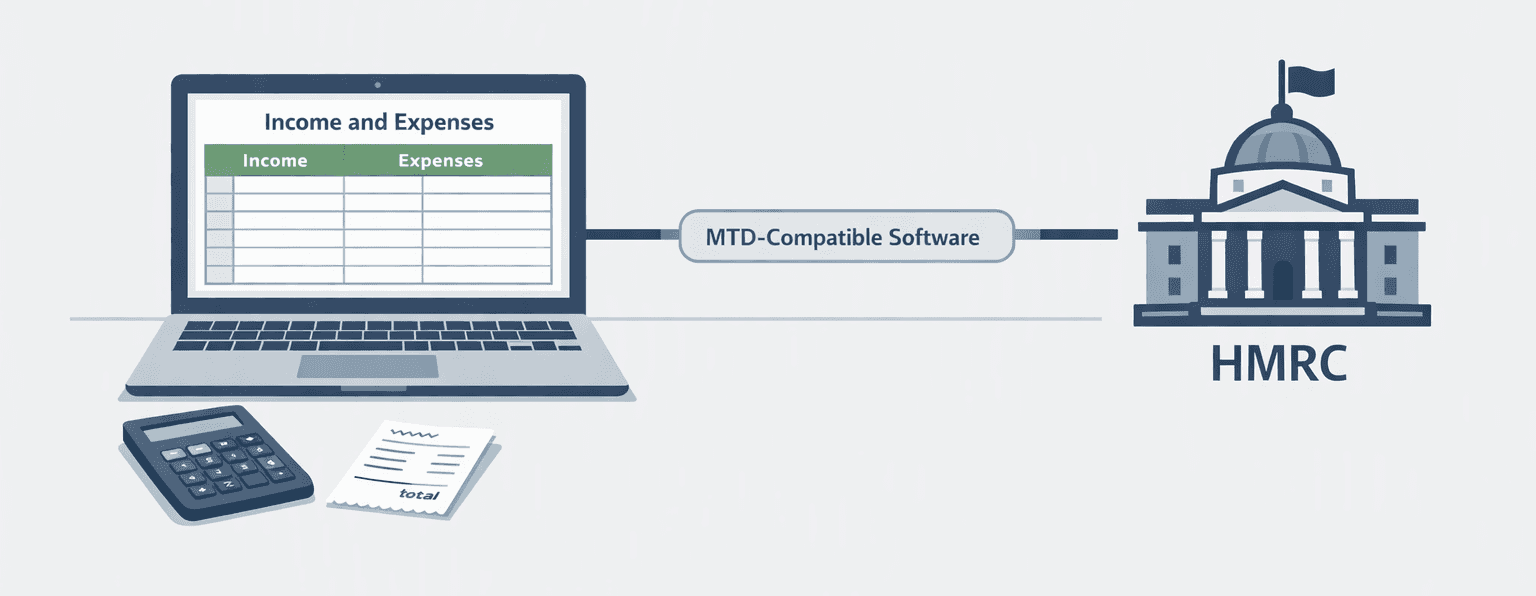
Can I Still Use Excel for Making Tax Digital?
A plain-English look at spreadsheets, software and what compatible digital records mean.
Read Article