Starting as Self-Employed
10 min read
Want a simple overview first?
Download the free guide for UK sole traders and understand the key accounting records, deadlines and Making Tax Digital changes in plain English.

Step 1: Check whether you actually need Self Assessment
Use HMRC's checker. You normally need a return if you were a sole trader and earned more than £1,000 gross in the tax year, but property income, foreign income, capital gains and other circumstances can also create a requirement.
Step 2: Identify the correct registration route
If you are starting as a sole trader, you normally register for Self Assessment as part of your sole trader registration.
If you have previously registered for Self Assessment, you may need to reactivate your account or update your registration, depending on your circumstances.
HMRC's online registration checker will guide you to the correct process.
Step 3: Check the notification deadline
You generally need to notify HMRC by 5 October following the end of the tax year in which you first need to submit a tax return.
For example, if you start trading in September 2026 and need to register, your registration deadline will normally be 5 October 2027.
Step 4: Gather your details
Have your National Insurance number, personal details and the information relevant to why you need Self Assessment. Self-employed applicants should also have their business start date and business details.
Step 5: Start the official GOV.UK registration service
Go to 'Check how to register for Self Assessment' on GOV.UK and select 'Start now'. Answer the questions so HMRC can direct you to the correct registration or reactivation process.
Step 6: Sign in and complete the application
Use the sign-in method HMRC presents. Create sign-in details if needed, complete any identity checks, enter the requested information and submit.
Step 7: Receive or confirm your UTR
If you are registering for Self Assessment for the first time, HMRC will issue a 10-digit UTR.
If you have registered previously, you may already have a UTR. Keep it safe, as you will need it when managing your Self Assessment tax affairs.
Step 8: Make sure Self Assessment is active
Sign in to your HMRC account and check that Self Assessment is available. If you registered previously but were not required to file last year, follow HMRC's reactivation instructions.
Step 9: Gather the records for your return
Keep bank statements, invoices, receipts and details of income, expenses, reliefs and other taxable items. You can prepare the return once the tax year has ended.
Step 10: File and pay by the deadline
For the 2025/26 tax year, the normal deadline to submit your online Self Assessment return and pay any balancing tax due is 31 January 2027.
If you submit a paper return, the normal filing deadline is 31 October 2026.
Depending on your tax bill, you may also need to make advance payments towards the following year's tax, known as payments on account.
Common misconception
“Everyone registers for Self Assessment using exactly the same form.”
No.
The route depends on why you need Self Assessment and whether you are registering for the first time or reactivating an old registration.

First identify why you need a return; then use HMRC's checker to follow the correct registration route. Save your UTR and make sure Self Assessment is active well before the filing deadline.

READY FOR THE NEXT STEP?
Explore my practical guides for UK sole traders, covering accounting essentials and Making Tax Digital software in plain English.

KEEP READING
Related Articles

MAKING TAX DIGITAL
Do I Need to Use Making Tax Digital?
Find out whether Making Tax Digital applies to your business, when the new rules start, and what you need to do to stay compliant.
Read Article

MAKING TAX DIGITAL
What Actually Changes Under Making Tax Digital?
Discover the biggest changes introduced by Making Tax Digital, from digital record keeping to quarterly updates and year-end submissions.
Read Article
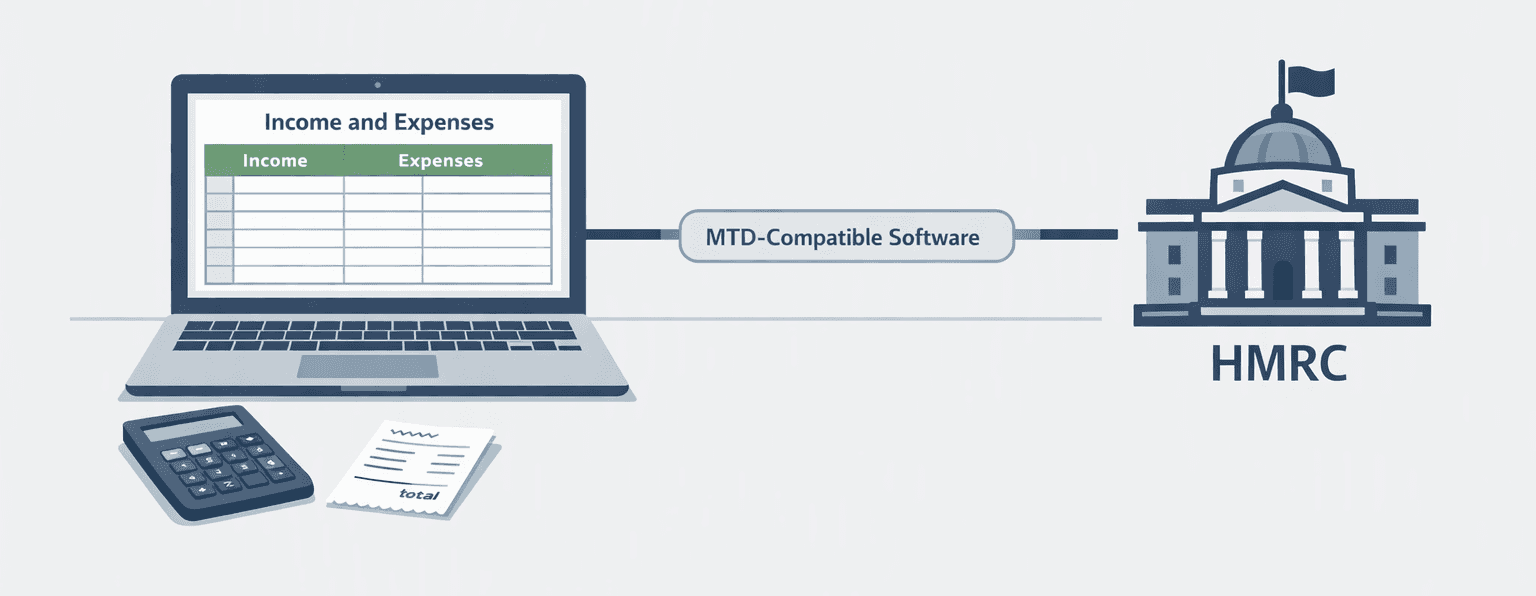
MAKING TAX DIGITAL
Can I Still Use Excel for Making Tax Digital?
A plain-English look at spreadsheets, software and what compatible digital records mean.
Read Article